A practical guide
What can you do about it?
You cannot personally reverse every bad product decision. You can make the record clearer, make leaving easier and keep more of your life outside a company’s permission system.
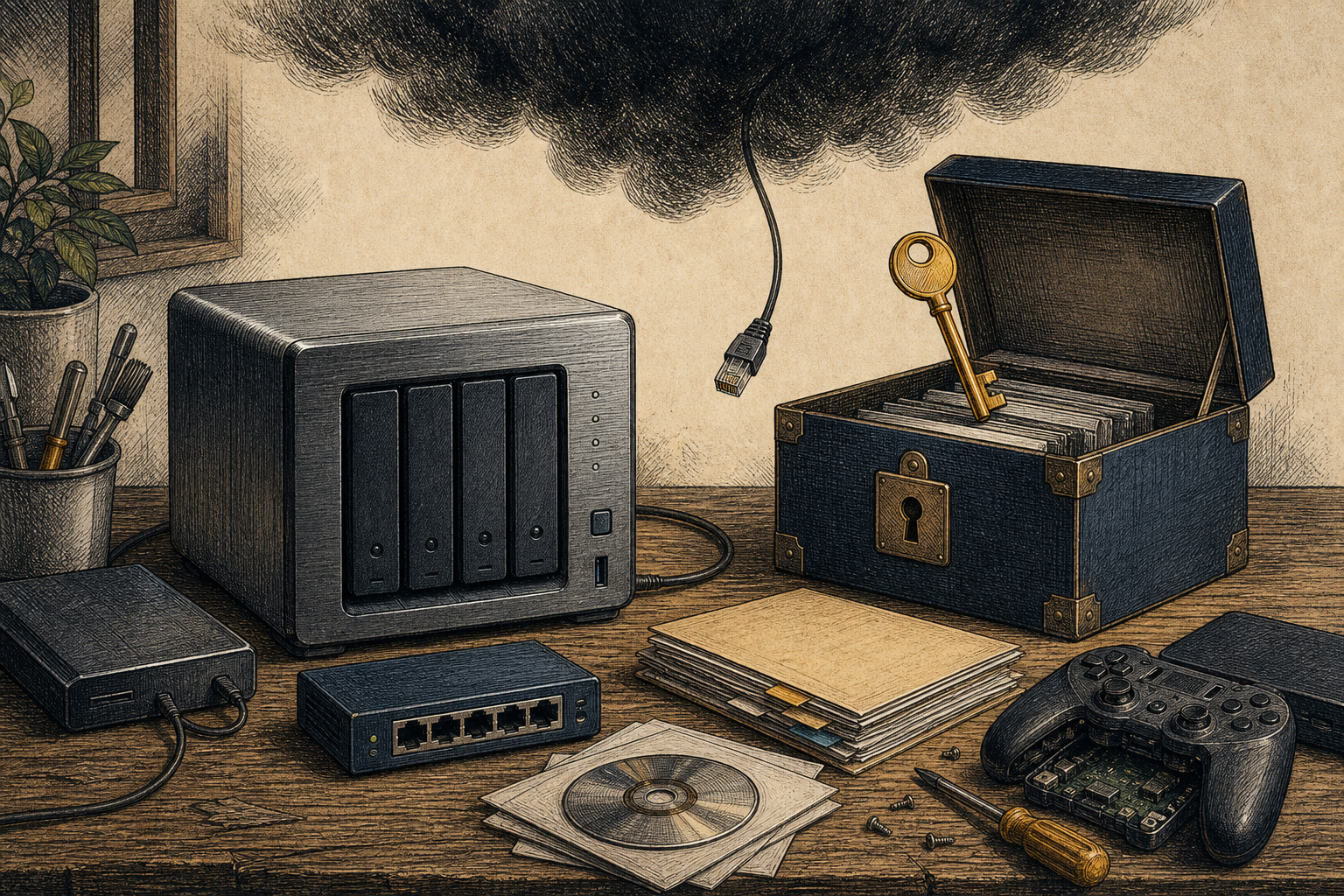
Before you buy
- Check whether the core feature works offline or locally.
- Find the cancellation, renewal and price-change terms.
- Ask what happens to your files, purchases and hardware if you leave.
- Prefer formats, services and devices that let you export or repair.
When the deal changes
- Save the original offer, current terms, receipts and relevant emails.
- Take dated screenshots of changed features, prices or cancellation flows.
- Write to the company with the outcome you want: repair, refund, cancellation or an explanation.
- Keep the reply. A pattern is easier to prove than a memory.
Keep what you own
- Self-host the services that matter to you when a practical local option exists.
- Use local-first tools, including Home Assistant, so a vendor app is not the only way to run your own home.
- Keep your photos, documents, media and exports on physical storage you control—and test that you can restore them.
- Buy a NAS or build one, then use it for local copies that are not dependent on a platform account staying alive.
- Buy or borrow physical books, discs and games where that is the version you need to keep.
- Preserve games you care about: emulation can keep older work playable when consoles age, fail or become inaccessible.
You have a right to back up. You have a right to preserve ownership. If you paid for the hardware, the vendor should not remain its gatekeeper. Ownership is not a badge on a checkout screen; it is the ability to keep using, copying, repairing and moving something without asking a company to let you. A business model that works against a buyer’s agency and best value is not ownership—it is control rented back to the customer. In the long run, the person preserving your ownership will usually be you.
Games are human work, not disposable generations of hardware. When a console fails, emulation can carry the games people grew up with to new machines, offer better accessibility and leave something for the people who come after. Preservation is the alternative to buying the latest box and throwing the old work away.
Use cloud on your terms
The cloud is useful. It is not your only copy.
- Read the service’s export, deletion and account-recovery terms before you depend on it.
- Check what happens if your account is locked, suspended, hacked or closed by mistake.
- Know where your files are stored, who can access them and whether settings can limit data use.
- Keep a local, readable copy of anything irreplaceable—then keep a second backup somewhere else.
- Review privacy and terms-of-use updates. A service can change the deal after your files are already inside.
The connection layer
What your ISP can usually see.
Your internet provider carries the connection, so it can link activity to the account, line or mobile service that pays for it. What it can inspect beyond that changes with the protocol, device settings, network design and the law where you live.
- Account and connection
- Subscriber details, assigned IP addresses, connection times, equipment and support or billing records.
- Traffic metadata
- The IP addresses your connection talks to, plus the timing, volume and direction of traffic. That pattern can still say a lot even when the content is encrypted.
- Names and destinations
- Traditional DNS exposes requested domain names to the DNS resolver. HTTPS protects page content, but destination information can remain visible unless the relevant DNS and TLS privacy features are enabled end to end.
What it usually cannot read
On a properly configured HTTPS connection, the content of the page, form or message is encrypted in transit. HTTPS does not make the connection anonymous, and a VPN moves visibility from the ISP to the VPN provider rather than making it disappear.
Practical baseline
Keep devices updated, use HTTPS, choose encrypted DNS only if you understand which resolver you are trusting, secure home Wi-Fi and check the privacy and retention terms of your own ISP. Do not treat Incognito mode as network privacy.
Technical background: TLS 1.3, DNS over HTTPS and Encrypted Client Hello specifications.
Report the pattern
Use the route that can act on it.
These bodies may not resolve an individual dispute, but reports can help them identify widespread harm. This is practical information, not legal advice; rights, copyright and licence rules vary by place and product.
Have a document, screenshot or story that shows the change? Send a tip, or return to the case files.